Step 1: Navigate to https://erieea.newpsealocals.org/eeamembercenter
Step 2: Click on “Register” button located in the upper right corner
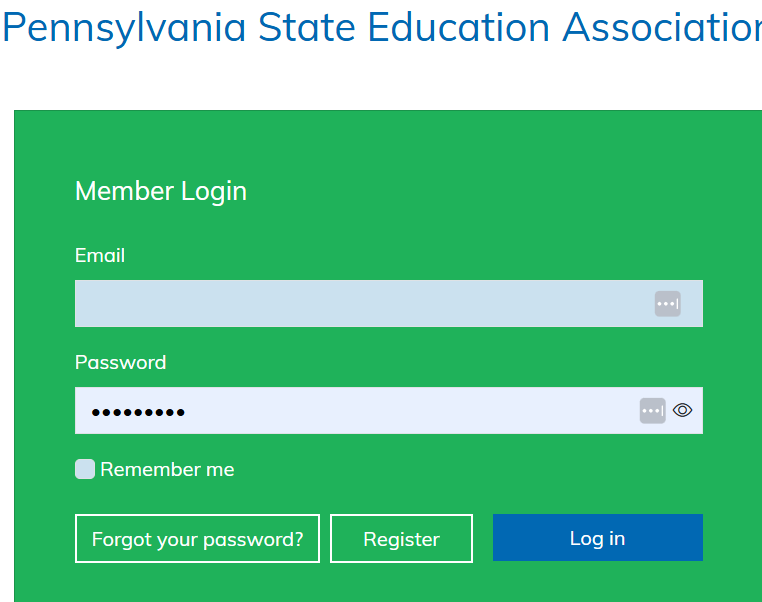
Step 3: You'll be taken to the PSEA website. Enter a NON-DISTRICT email into the “Email” field in the box that appears and then enter a unique password.
-NOTE: If you've done this before and wish to use the same address and password, you can. It should work exactly the same way as if you were entering new information.
Step 4: Click “Register”

Copyright © 2025 Erie Education Association 1062 Brown Avenue, Suite B Erie, PA 16502 Terms of Use|Privacy|Admin|Contact